Start with a preset, compare it with your original, then change one setting at a time. Compare the scene examples below, then open a scene in the editor to try its settings.
2000s: flash portraits and a date stamp
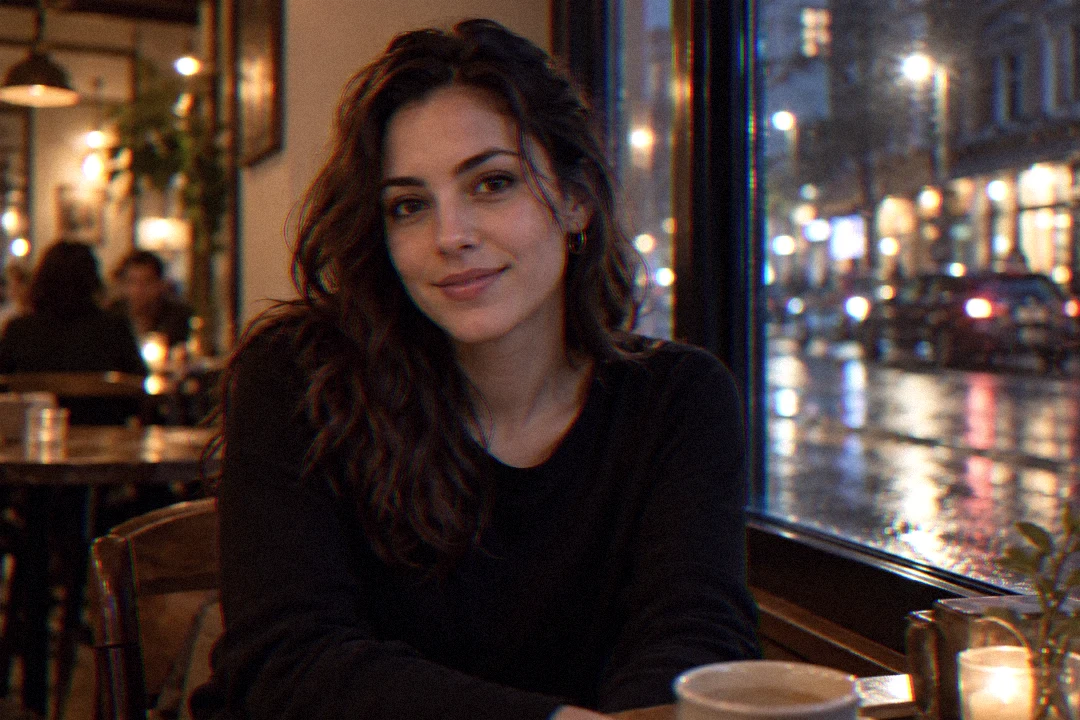
The 2000s filter focuses on the party-photo look: bright highlights, grain, warmth and an optional date stamp. For a dim portrait, start with Y2K Flash and lower flash bloom if the face loses detail. Turn the date stamp off when it distracts from the subject. Grain adds texture; it does not restore detail missing from a dark source.
For a daylight portrait, start with a softer preset and keep bloom low. Compare skin tones against Original before increasing warmth. Save your preferred adjustments locally to reuse them on another photo.
2000s settings for different scenes
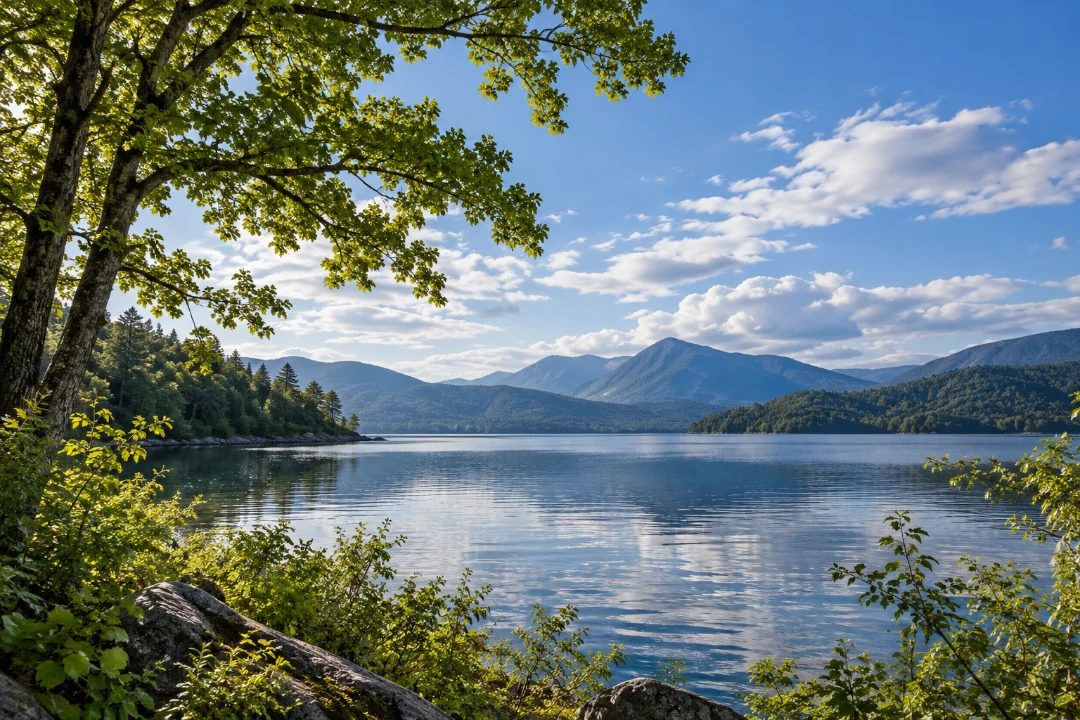
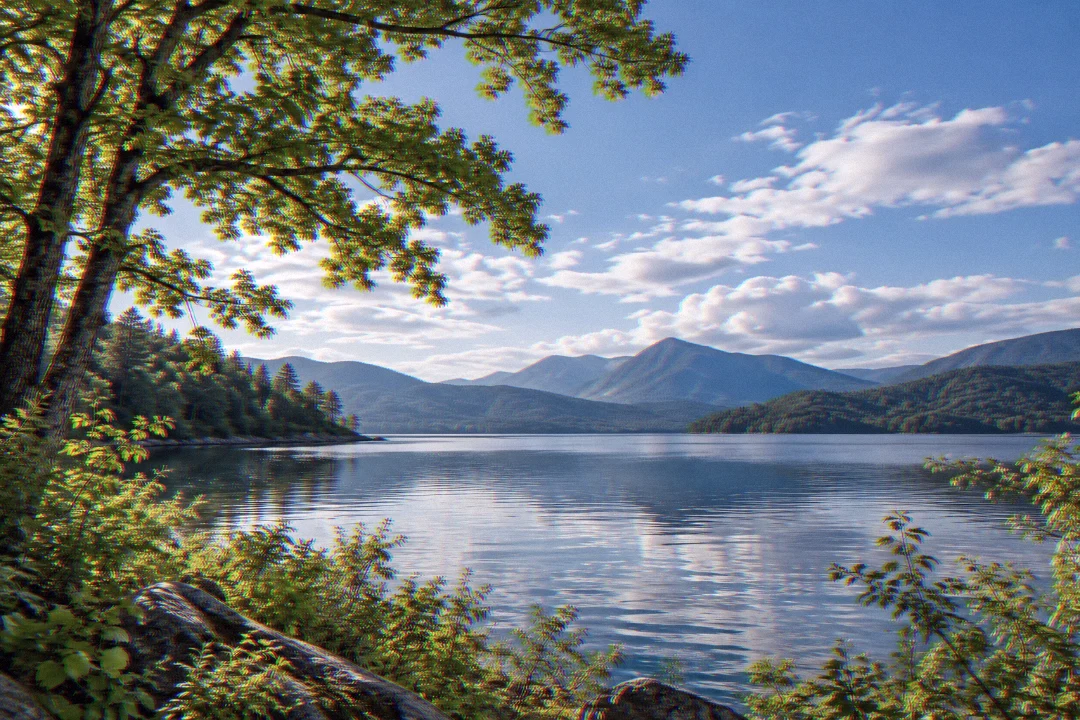
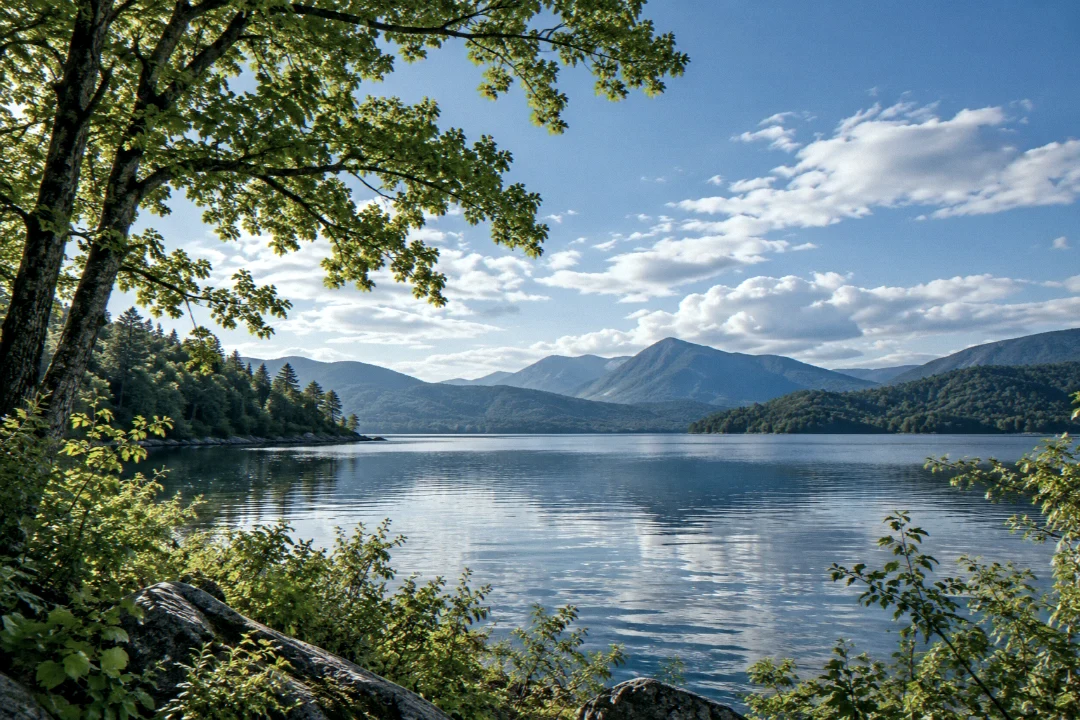
Compare low light, daylight and landscape examples. Each edited image uses the settings listed below. Open a scene in the editor to try the same starting point.
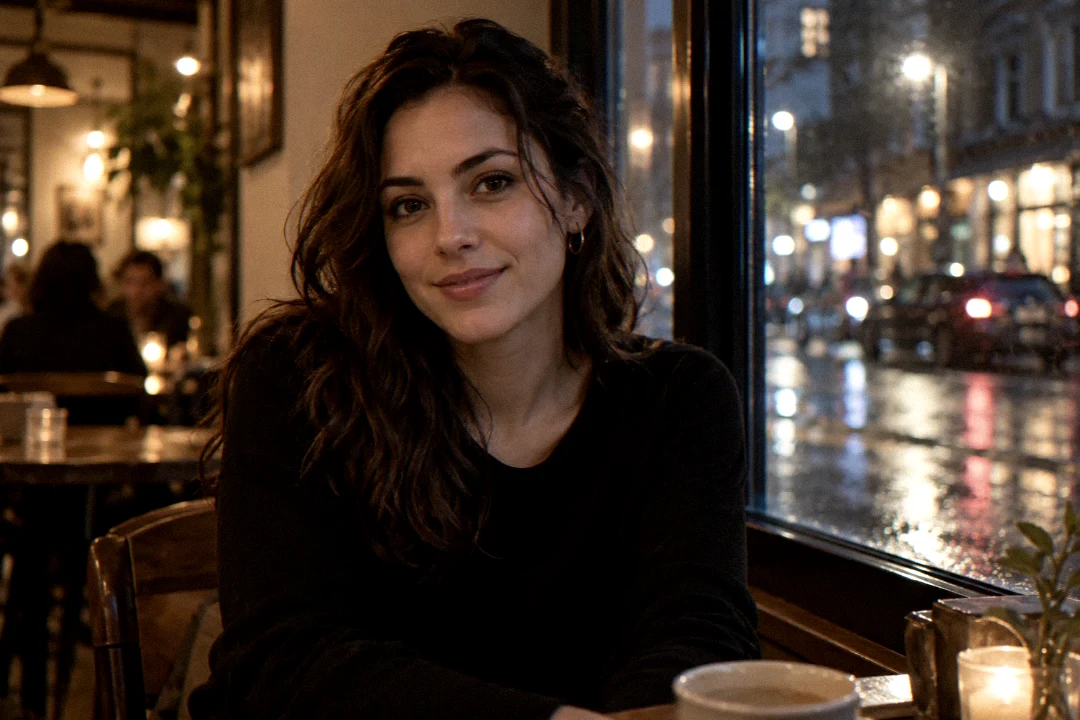
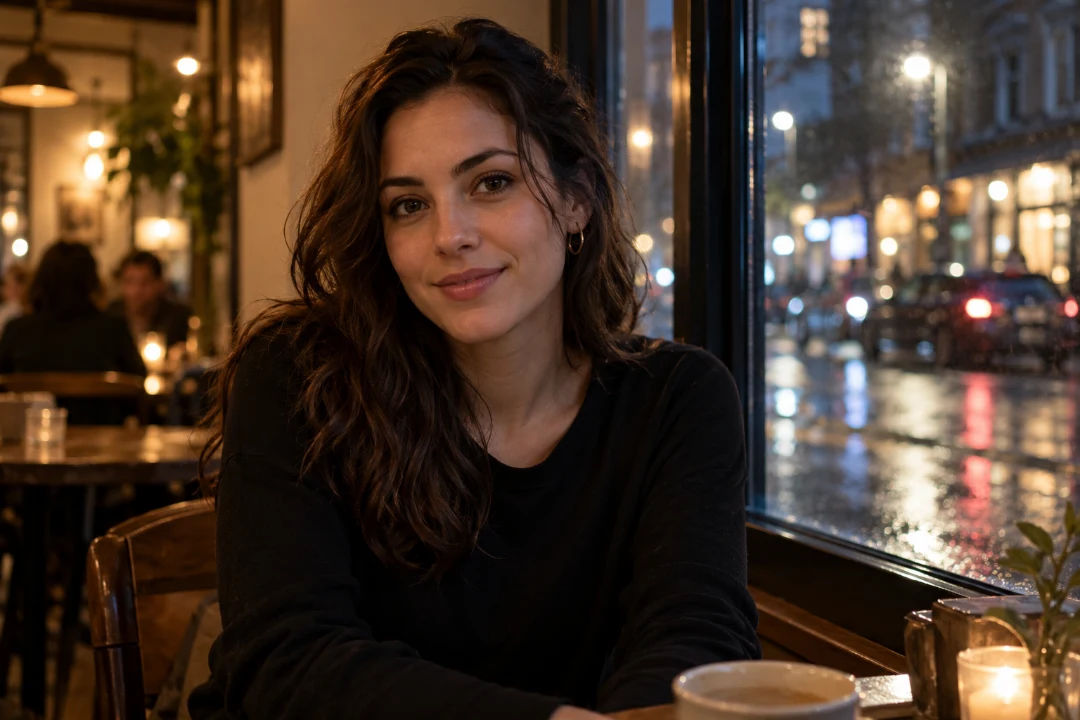
Low-light portrait
Warm indoor light and a darker street background. Compare the face and the window highlights before adding more bloom.
Original
Y2K Flash · adjusted
Y2K Flash with reduced bloom and grain to keep facial detail visible.
The digital camera filter offers early compacts, cool-color looks and early phone presets. These are stylized effects rather than calibrated camera simulations. Start with 2002 Café Warmth for a warm everyday photo or Night-Out Highlight Bloom for a stronger flash look. Open Reproduce this preset below to see the exact parameters.
For a landscape, check sky gradients and small branches before increasing noise or sharpness. For low light, compare the darkest areas at a comfortable viewing size and reduce effects that hide your subject. If you want a tape or neon treatment instead, try VHS or Vaporwave.
Digicam settings for different scenes
Compare low light, daylight and landscape examples. Each edited image uses the settings listed below. Open a scene in the editor to try the same starting point.
Low-light portrait
Warm indoor light and a darker street background. Compare the face and the window highlights before adding more bloom.
Original
Night-Out Highlight Bloom · adjusted
Night-Out Highlight Bloom with softer highlights and more open shadows.
Choose JPG for broad compatibility, PNG to preserve transparent pixels, or WebP for a compact web image. JPG fills transparency with white. Read the actual dimensions beside Download; photo exports are up to 1080 pixels wide and keep the original aspect ratio. Current downloads are for personal use and share the site's daily allowance. Read all product facts and privacy details.
For scanned negatives, use the negative-to-positive tool. A simple inversion is not an accurate restoration of the film's original colors.
 Original
 Y2K Flash · adjusted